
Everything you can do with Rutavel
From gathering your places to arriving with the itinerary, routes and budget already organised. This is what using Rutavel looks like, step by step.
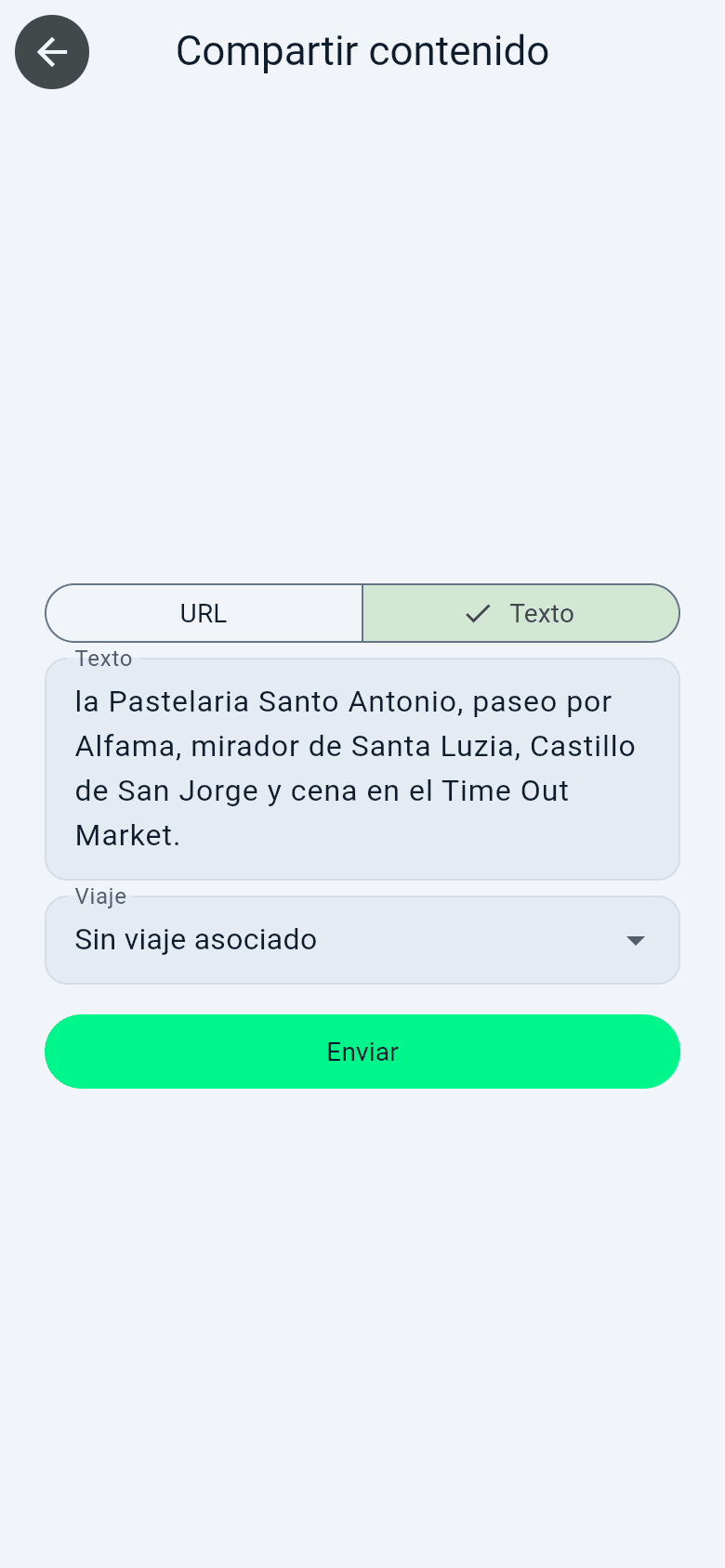
Gather your places: search or share a link
Search for places in the catalogue or on the map, add them by hand, or share a link or some text and the AI will detect the places for you.
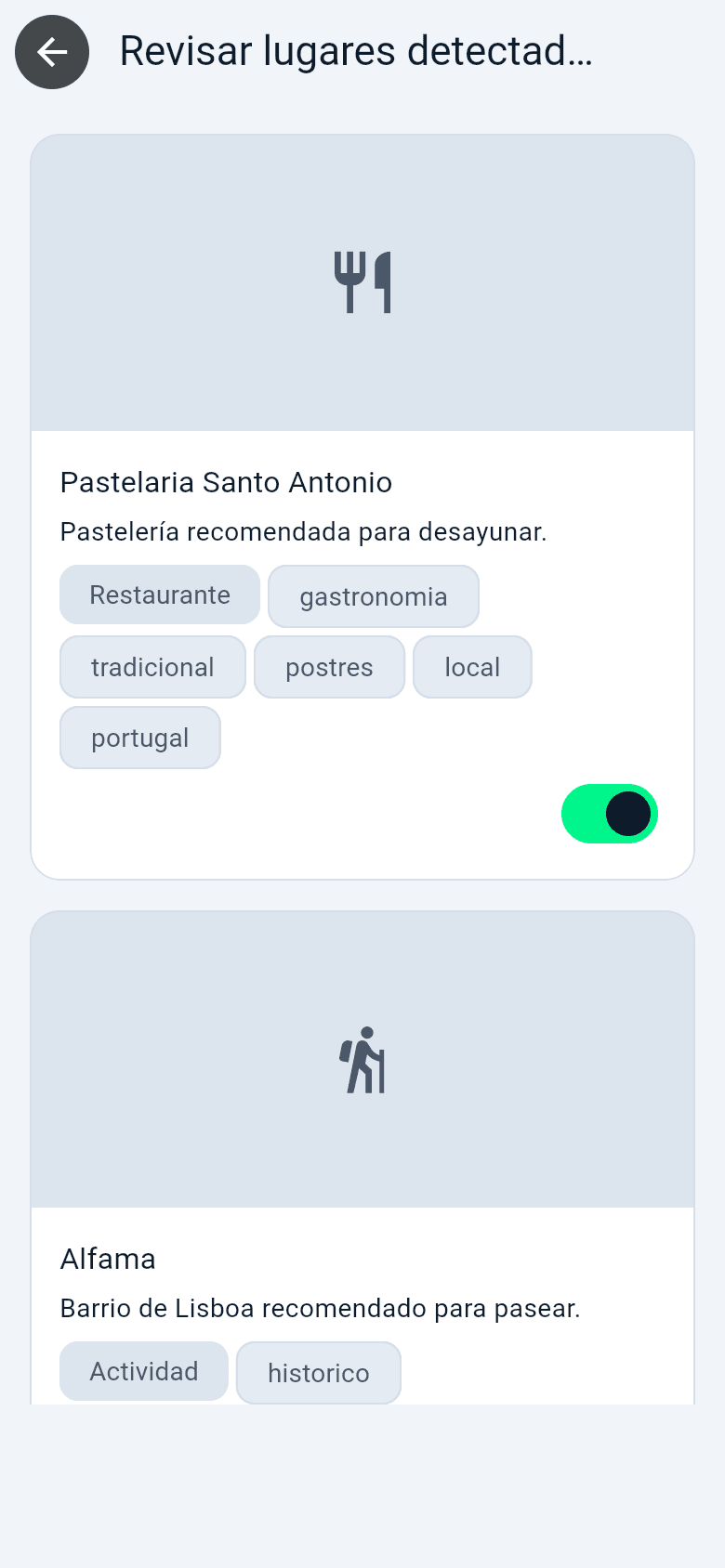
Review what the AI detects before adding it
When you share a link, Rutavel tries to detect the city, country, category and exact place, and shows you the results so you can confirm them before adding. If you already had that place saved from other content, it recognises it and avoids duplicates.
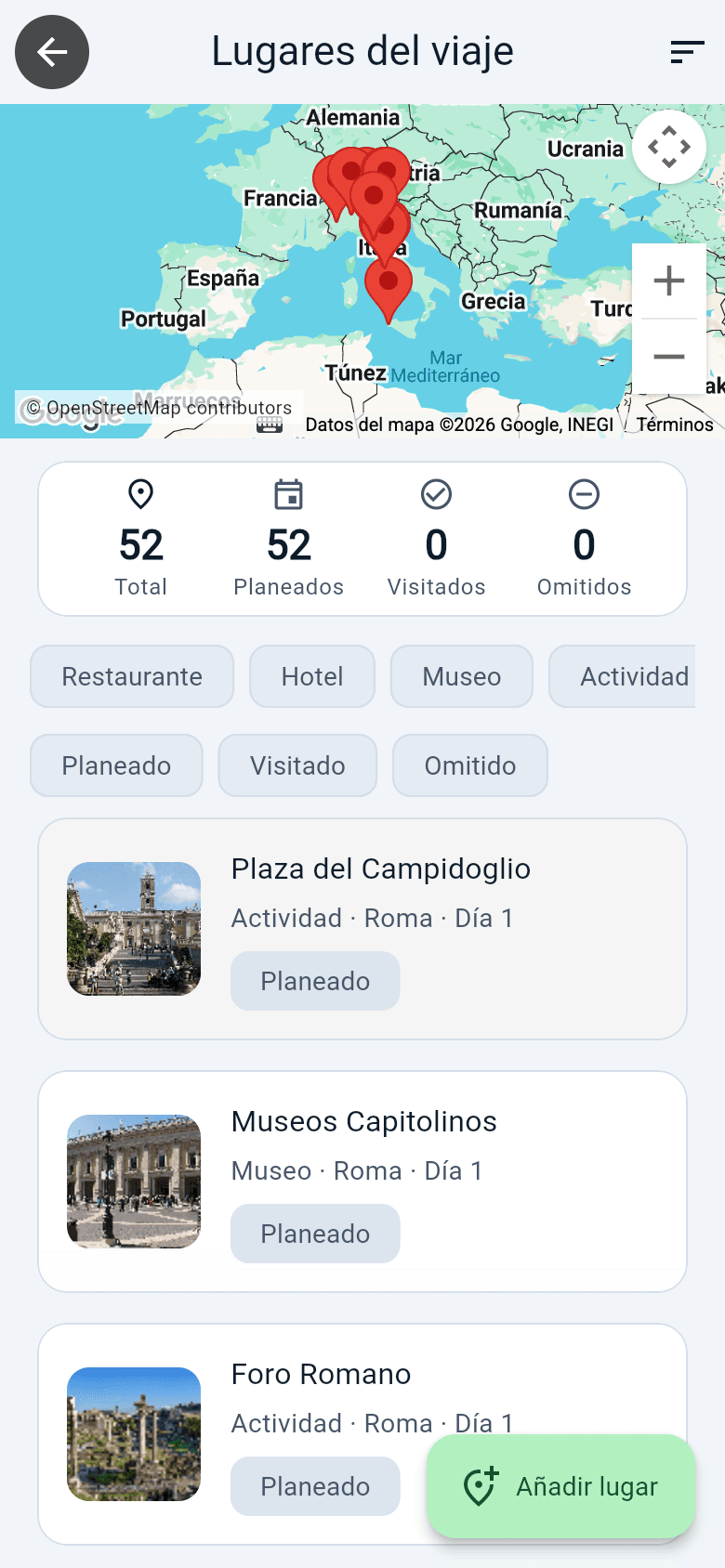
All the places on your trip, on a map
Every place geolocated, with filters by day or category, plus journeys and times between stops on foot, by bike, by car or by public transport.
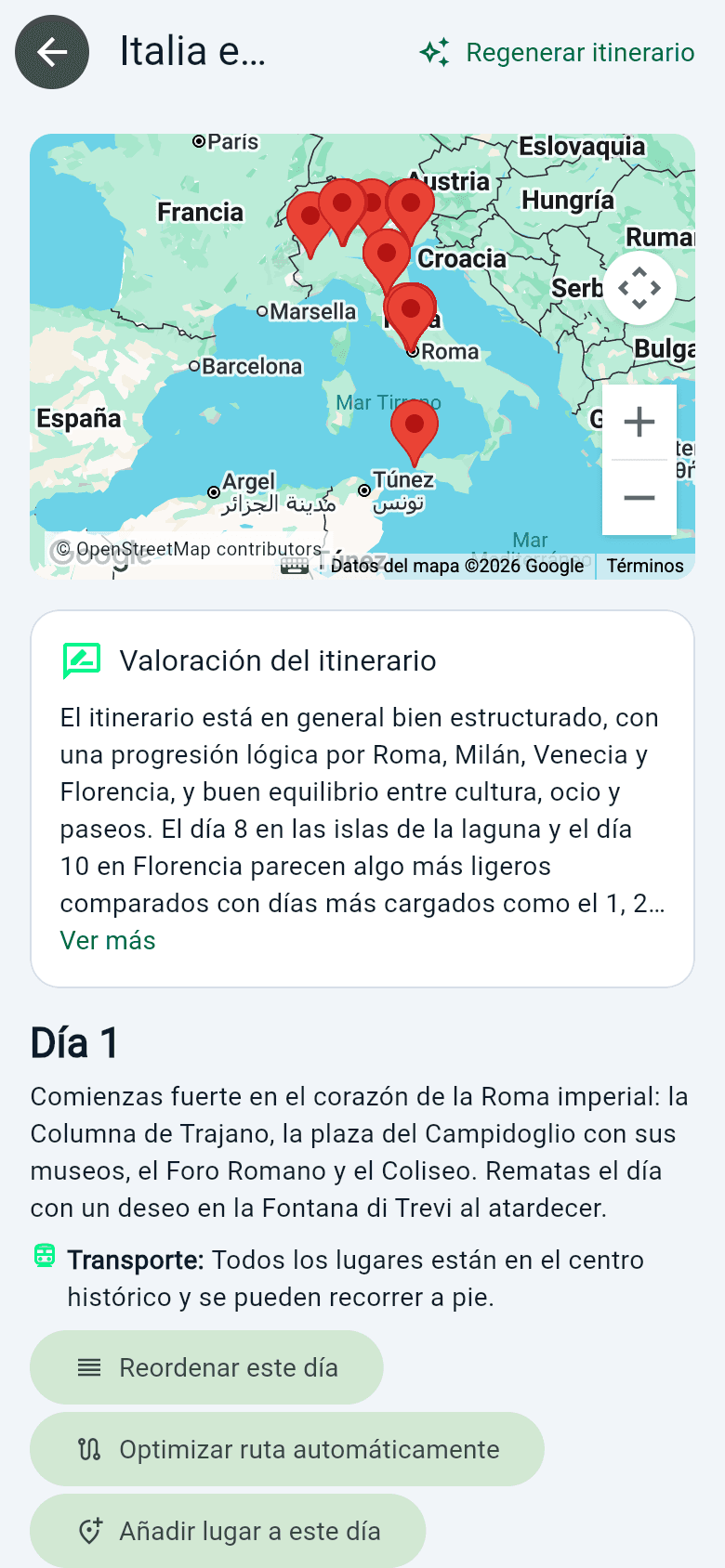
Day-by-day itinerary, generated with AI
Generate a day-by-day plan from your saved places, reorder it to your liking and optimise each day's route. The AI groups stops by proximity and sensible time slots; you decide the rest.
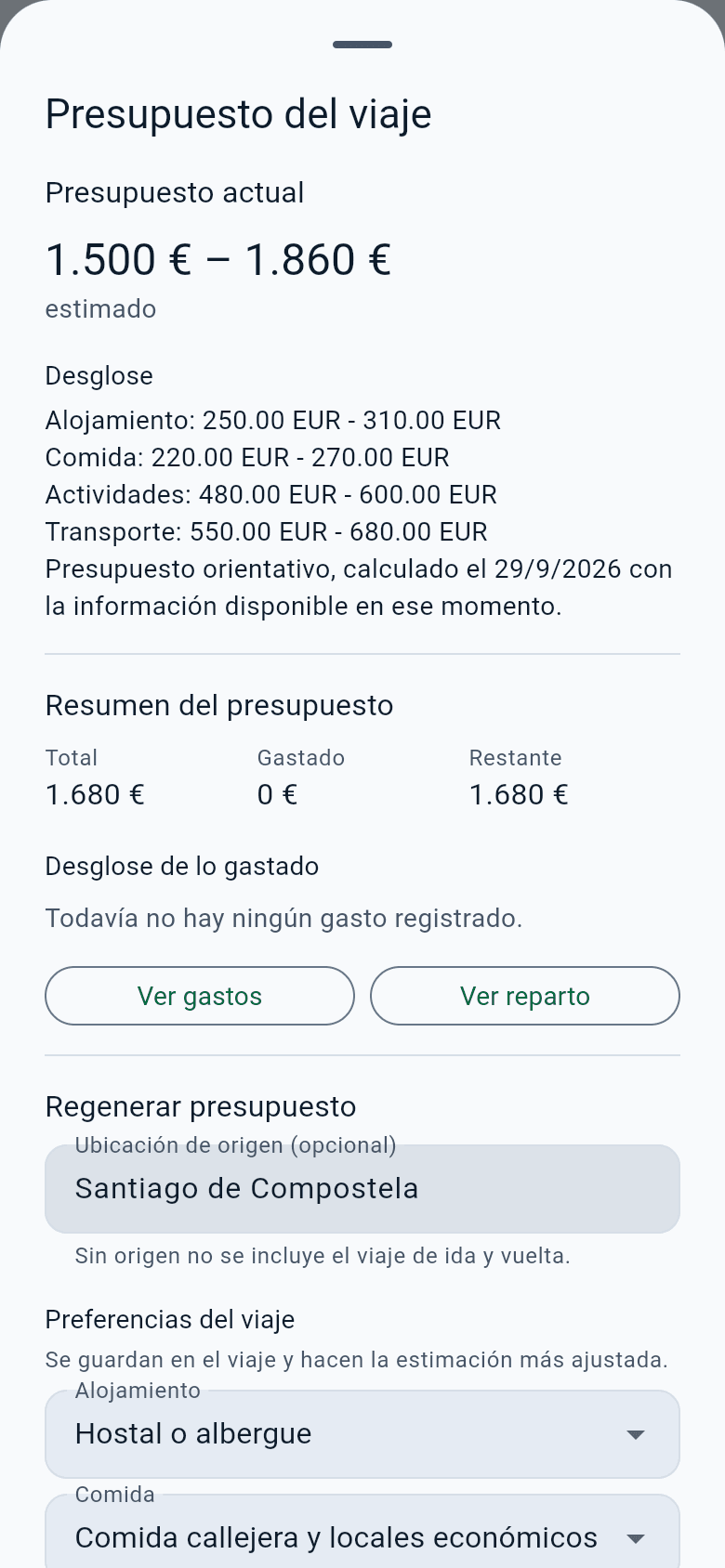
Estimated budget and real expenses
Calculate an estimated budget based on your destination, the number of travellers, the type of accommodation, food and transport. During the trip, record your real expenses and compare them with the estimate.

Plan as a group
Invite other people to your trip, comment on places and vote on what to include. Everyone sees the same up-to-date trip, with the role that suits them: editor, contributor or view-only.
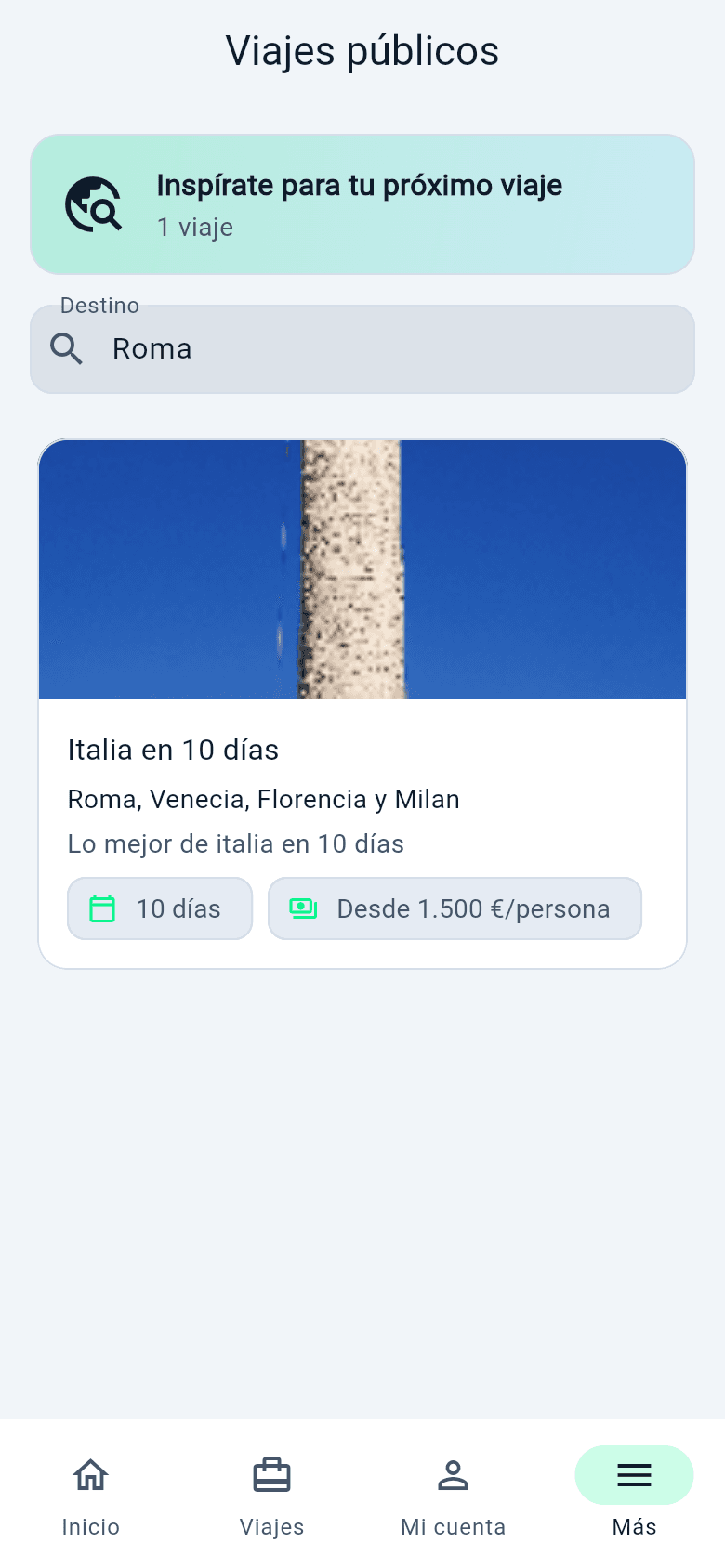
Public trips as a starting point
Explore public trips from other users organised with Rutavel and duplicate one as a starting point for yours, instead of always starting from scratch.

Add places by hand whenever you need
Add places by hand, search for them in the catalogue or on the map, or paste some text or a URL. It is the most reliable way when automatic detection finds nothing.
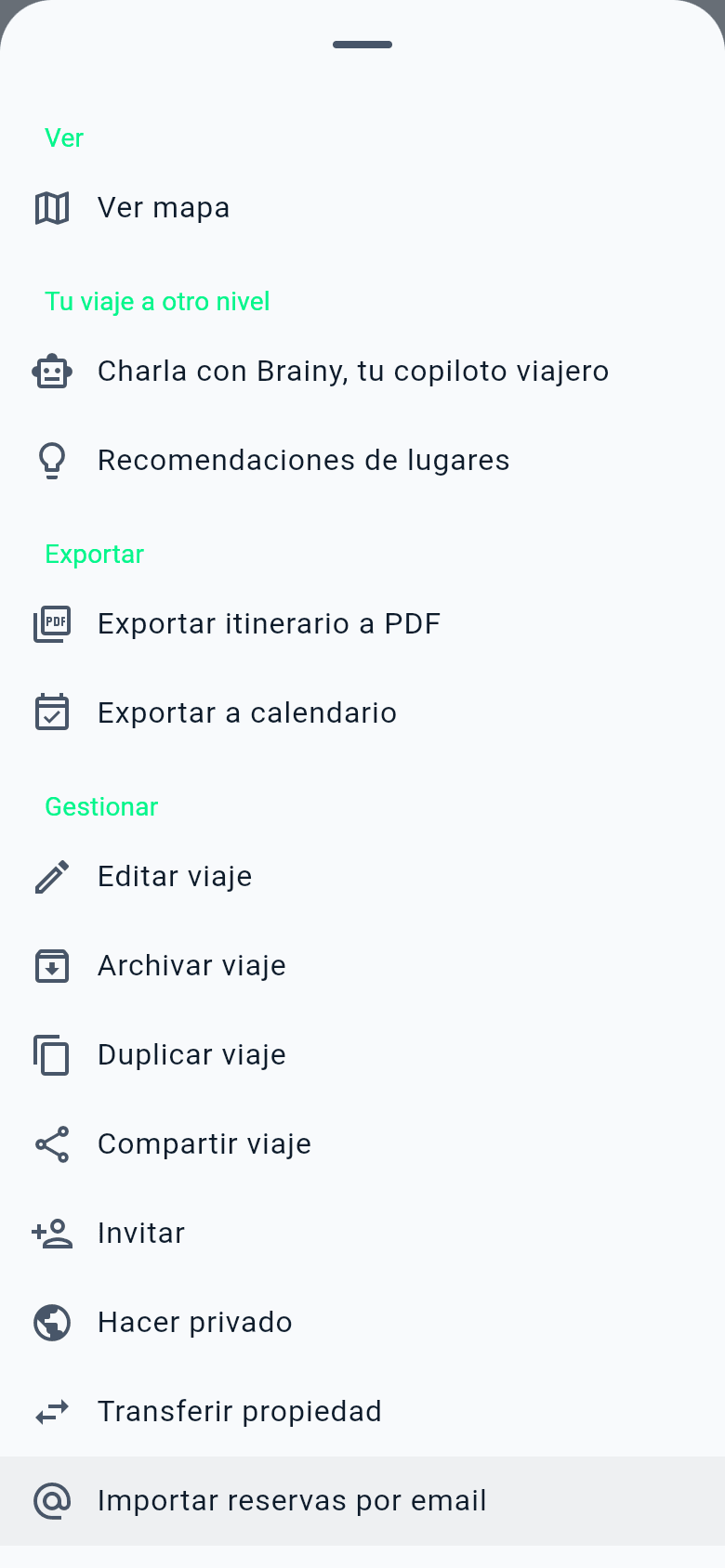
Brainy, recommendations and export
From each trip's Actions menu you can chat with Brainy, the travel copilot, ask for place recommendations, export the itinerary to PDF or to your calendar, invite other people and much more. Some features are part of the Premium and Family plans.
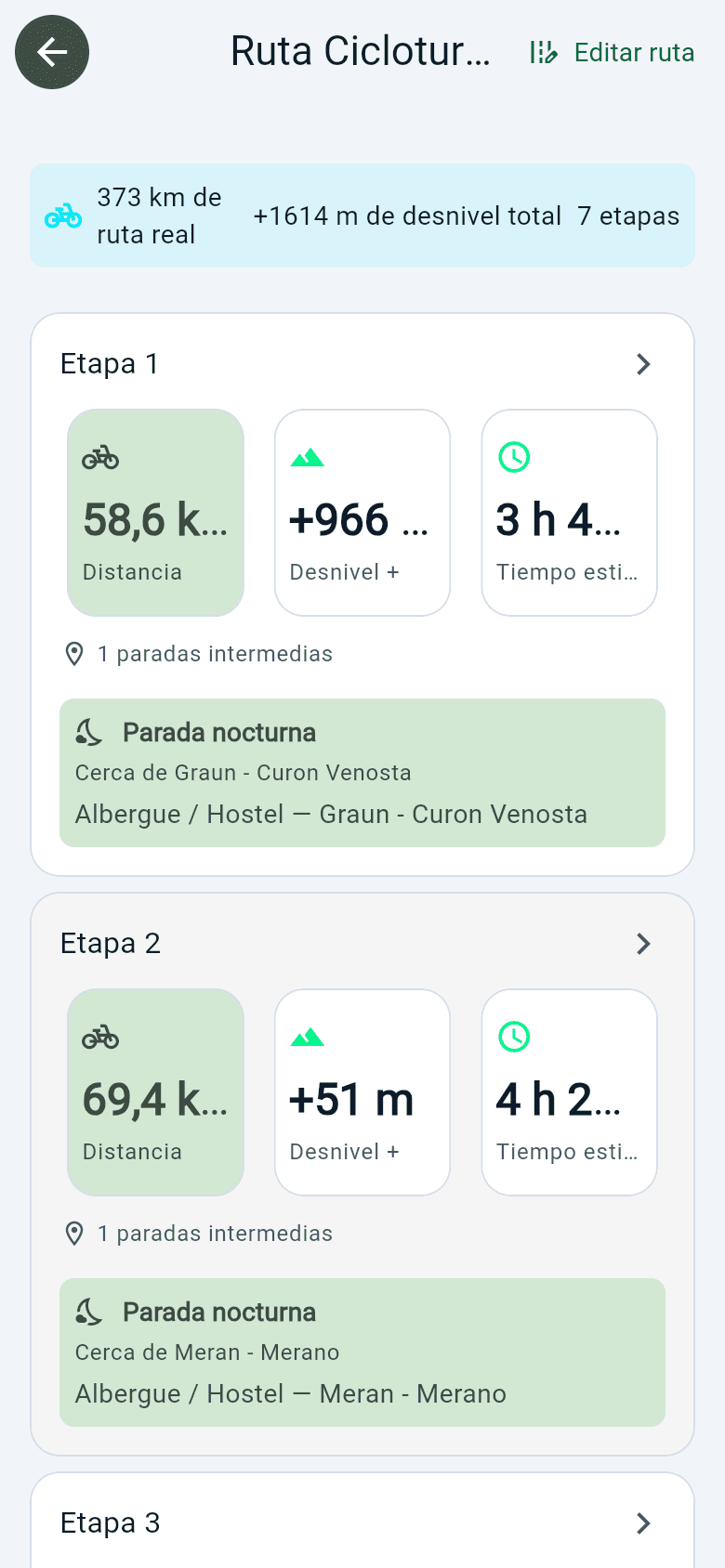
Travelling by van or by bike? There is a route mode too
Besides the standard trip, the Camper and Cycle touring modes let you choose a start and an end, and Rutavel calculates the route in stages: kilometres, estimated time, overnight stop and, by bike, elevation gain and GPX download.
Your next trip starts with a list of places
Create your free account and try planning it with Rutavel.