
Blog
Rutavel is now on ChatGPT and Claude: your trip from the chat
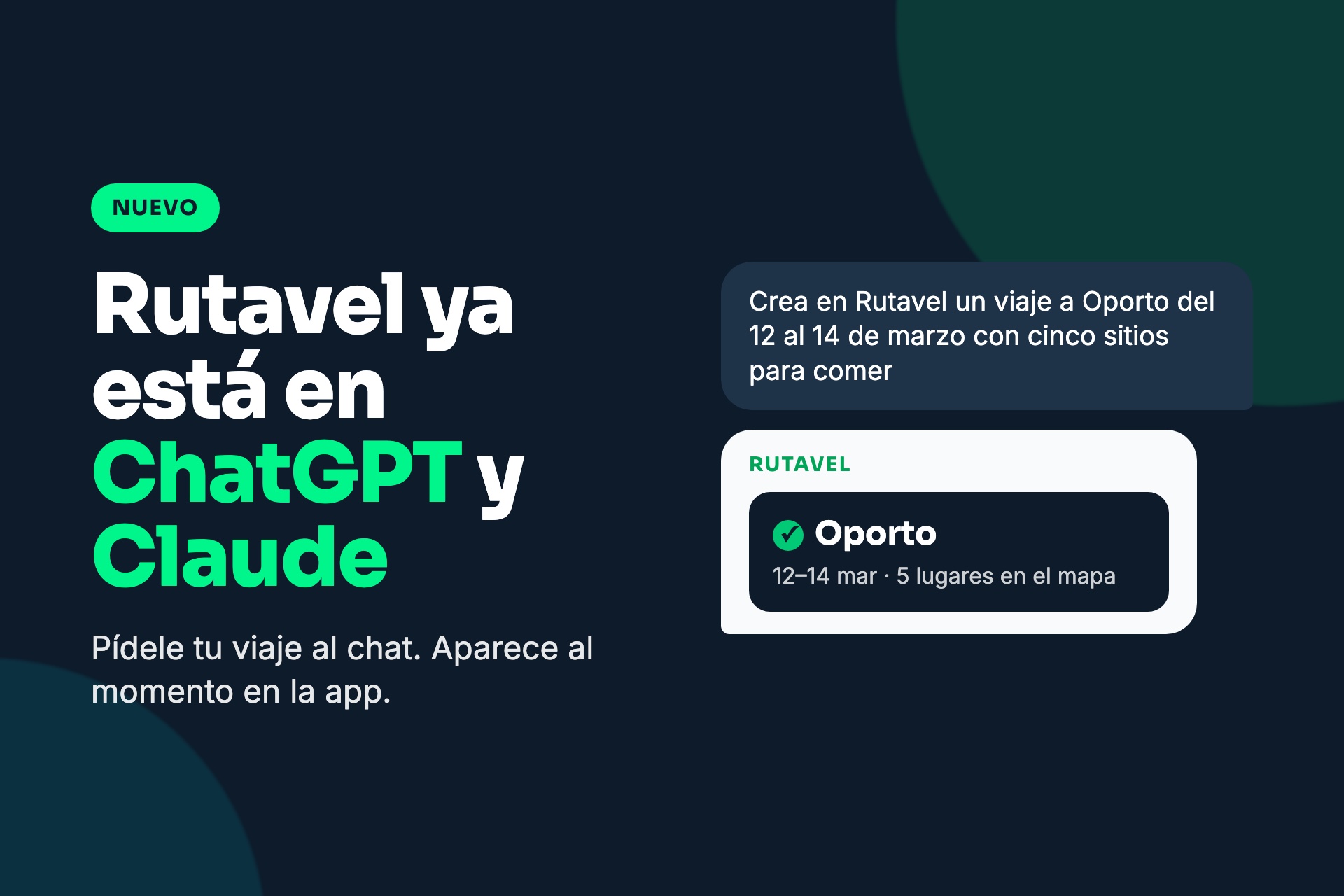
Connect Rutavel to ChatGPT or Claude and ask it to show your trips, create a new one, or save the places from a reel. Here's how to install it and how to use it.
Your chat already gave you a list of places. From today, that list can go straight into your trip. Rutavel is now on ChatGPT and Claude: you connect it once and ask your assistant to show your trips, create a new one, add places, or save the places from a reel. Everything appears in the app right away.
What changes for you
Until now, if you asked a chat for ideas, you had to copy the names one by one and look them up on the map. With Rutavel connected, you ask in the same conversation and it's saved to your trip, with its places on the map and ready for planning each day.
You can ask it for five things:
- See your trips: upcoming, past, or all of them, with dates and number of places.
- Open a trip: its places, the day-by-day plan, and who's travelling.
- Create a trip: with a destination, dates and, if you want, up to 50 places by name.
- Add places to a trip you already have, without repeating the ones already there.
- Save the places from a link: an Instagram reel, a TikTok, a YouTube video, a blog, or a Google Maps link.
How to install it in two minutes
- Open the Rutavel listing on ChatGPT or on Claude and press the button to connect it.
- We'll take you to Rutavel: log in with your account (or create one for free), review what it will be able to do, and press «Allow». You only do this once.
- In a conversation, choose Rutavel and ask it for whatever you want.
It works with any Rutavel plan, including the free one. Your plan's limits are the same as in the app.
An example from start to finish
Imagine you're thinking about Porto. You ask your assistant what to see in three days, it suggests several places, and you say:
> «Create a trip to Porto in Rutavel from 12 to 14 March with these places and five places to eat.»
In a few seconds you have the trip in the app, with the places on the map. Later you see a reel about a winery in Vila Nova de Gaia, so you paste it in:
> «Save the places from this reel to my Porto trip.»
Rutavel extracts the places in the background and notifies you in the app so you can review and confirm them. You decide what stays.
What it sees and what it doesn't
- It only sees what it needs to answer you: the name and dates of your trips, their places, the day-by-day plan, and the first names of those travelling.
- It never sees the group chat, your expenses, your payments, your subscription or your password.
- It can create trips and add places, but it cannot delete anything from your account.
- You can disconnect it whenever you want from the app, under My account → Connected apps.
An honest note: if a place doesn't appear near the destination, Rutavel tells you rather than making it up. Try the full name or add it from the app.
Try it today
If you already have Rutavel, connect it from the listing on ChatGPT or Claude and ask it about your next trip. If you don't have it yet, download it for free and connect it afterwards.
You'll find all the steps, examples and frequently asked questions on the connector page. For the curious: technically, it's an MCP connector, the standard that AI assistants use to connect to other apps.